


AMQ Batch Account Operations
Process thousands of journal entries, invoices, and payments in seconds. Batch Reset, Post, and Duplicate — with full error resilience and configurable batch sizes.

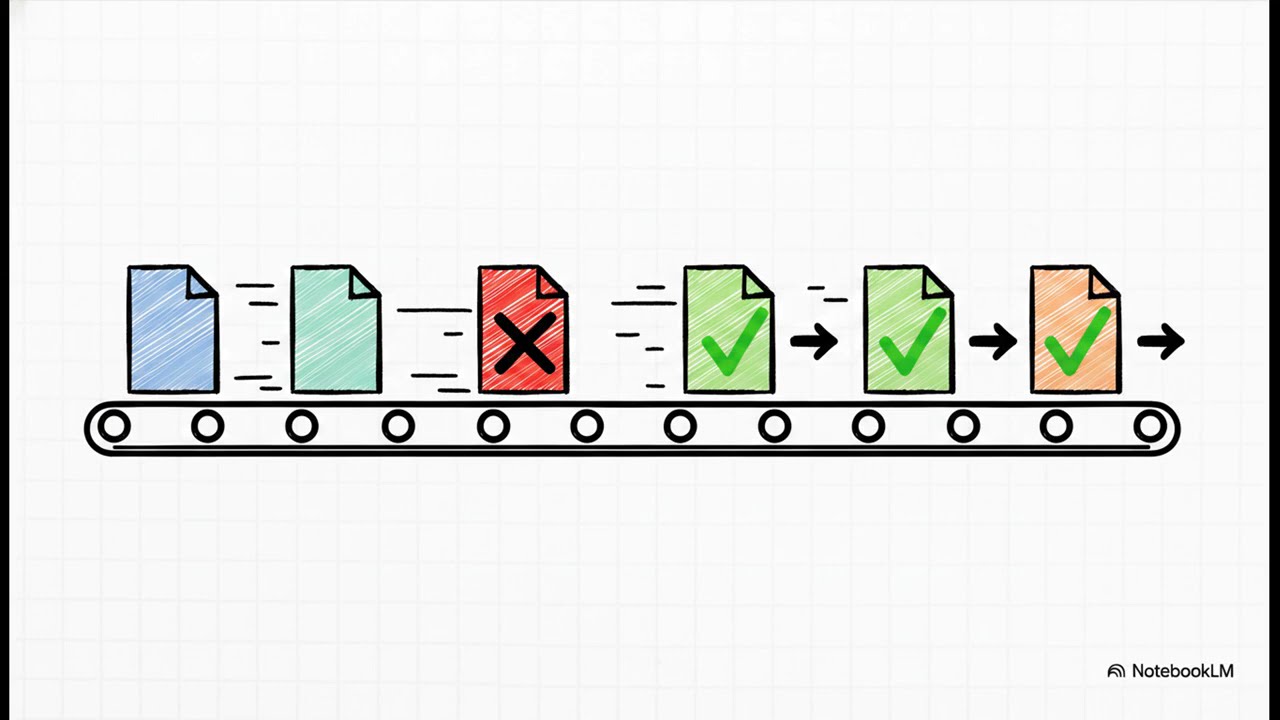
Mass Operations, Zero Headaches
The universal batch engine built for accountants who work with scale.
Universal Batch Engine
Apply mass Reset to Draft, Post/Approve, and Duplicate from the List View Action menu on any configured model.
Error Resilience
Each record runs in its own savepoint. One failure never rolls back the entire batch — errors are logged clearly and the rest continues.
Performance Optimized
Configurable batch sizes prevent server timeouts when processing thousands of records at once.
Smart Configuration
Add batch capability to any model via a single configuration record. No technical customization or developer needed.
Accounting Quick Setup
Auto-generated templates for Journal Entries, Invoices, and Payments — get started in under a minute.
Clear Error Reports
A detailed summary of successes and failures is returned after every batch run, so you always know what happened.
How to Get Started
- Install the module from your Odoo Apps menu.
- Go to Settings > Technical > Batch Operations > Quick Setup and select the accounting models you want to enable.
- Open the List View of any configured model (e.g., Journal Entries) and select multiple records.
- Click the Action menu and choose your batch operation: Batch Reset to Draft, Batch Post, or Batch Duplicate.
- Review the result summary to see what succeeded and any records that need attention.
Technical Details
| Availability |
Odoo Online
Odoo.sh
On Premise
|
| Lines of code | 510 |
| Technical Name |
amq_batch_account_reset |
| License | LGPL-3 |
| Website | https://amq-rafco.com |
Please log in to comment on this module