

Purchase Invoice Received Quantity Validation
by Mayna https://github.com/stmayna/odoo_shop_custom_development , Diandra https://github.com/stmayna/odoo_shop_custom_developmentPurchase Invoice Received Quantity Validation
Description
This Odoo module prevents users from billing quantities greater than the received quantities for purchase orders using 3-way matching (Based on received quantities).
The validation is applied on vendor bills linked to purchase order lines to ensure invoice quantities never exceed the quantities received in stock operations.
Features
- Prevent over billing on vendor bills
- Support 3-way matching purchase orders
- Validate billed quantity against received quantity
- Clear validation error messages for users
- Works seamlessly with Purchase and Inventory modules
How to Install
- Add the module to your Odoo addons directory.
- Restart Odoo.
- Update Apps List.
- Install the module.
How It Works
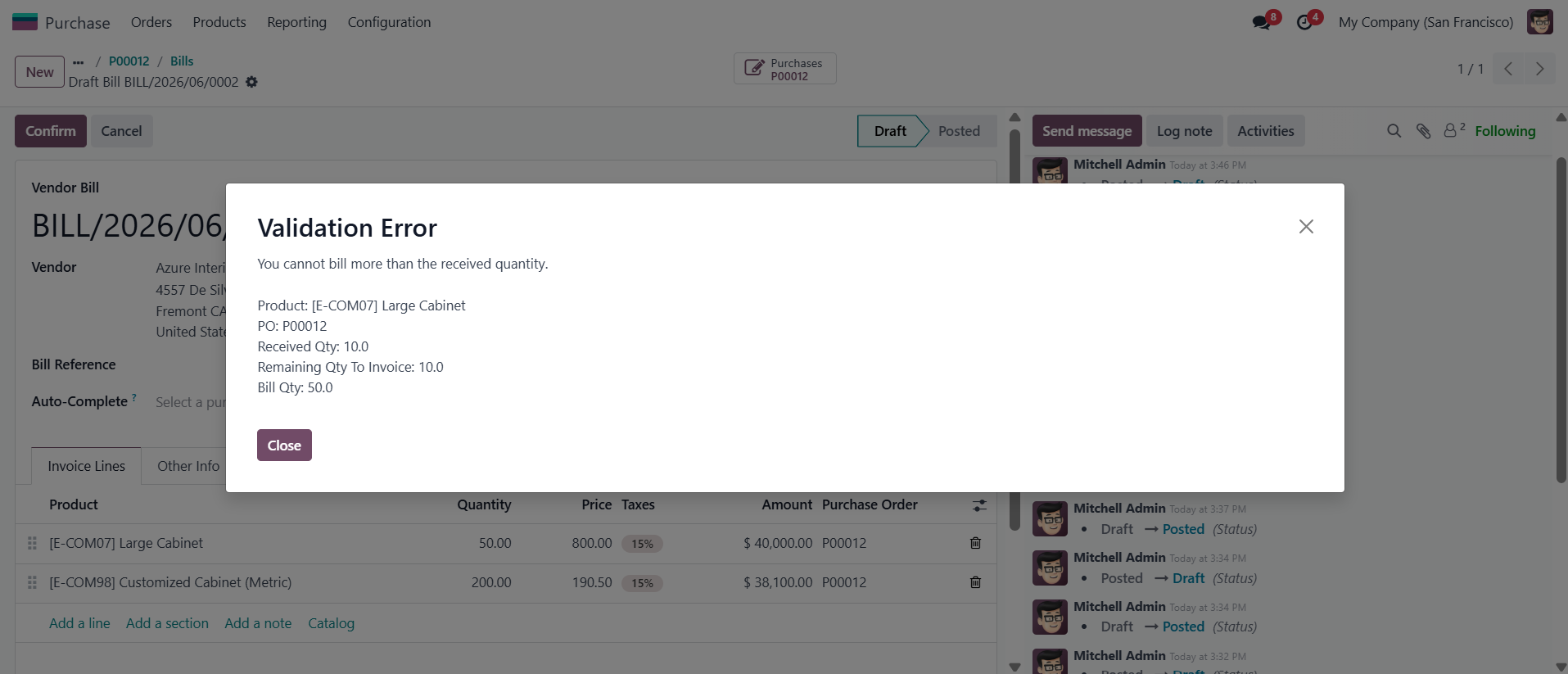
When a user posts a vendor bill for a purchase order configured with 3-way matching, Odoo will validate that the billed quantity does not exceed the received quantity.
If the billed quantity is greater than the received quantity, the system will raise a validation error and prevent the action.
Installation
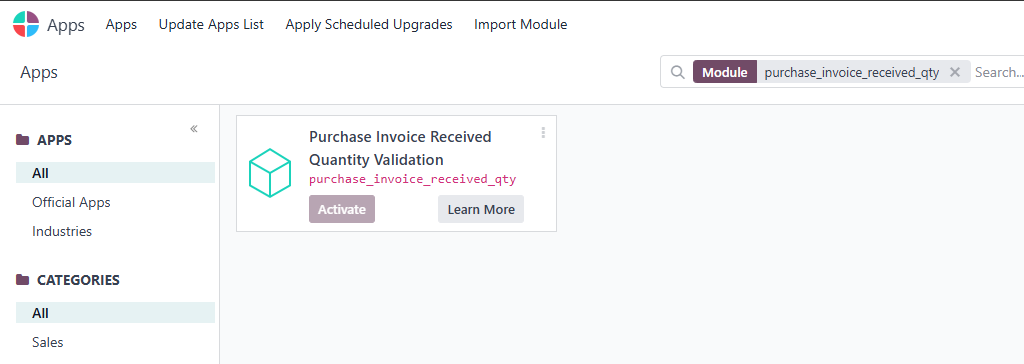
Install the module from the Apps menu.
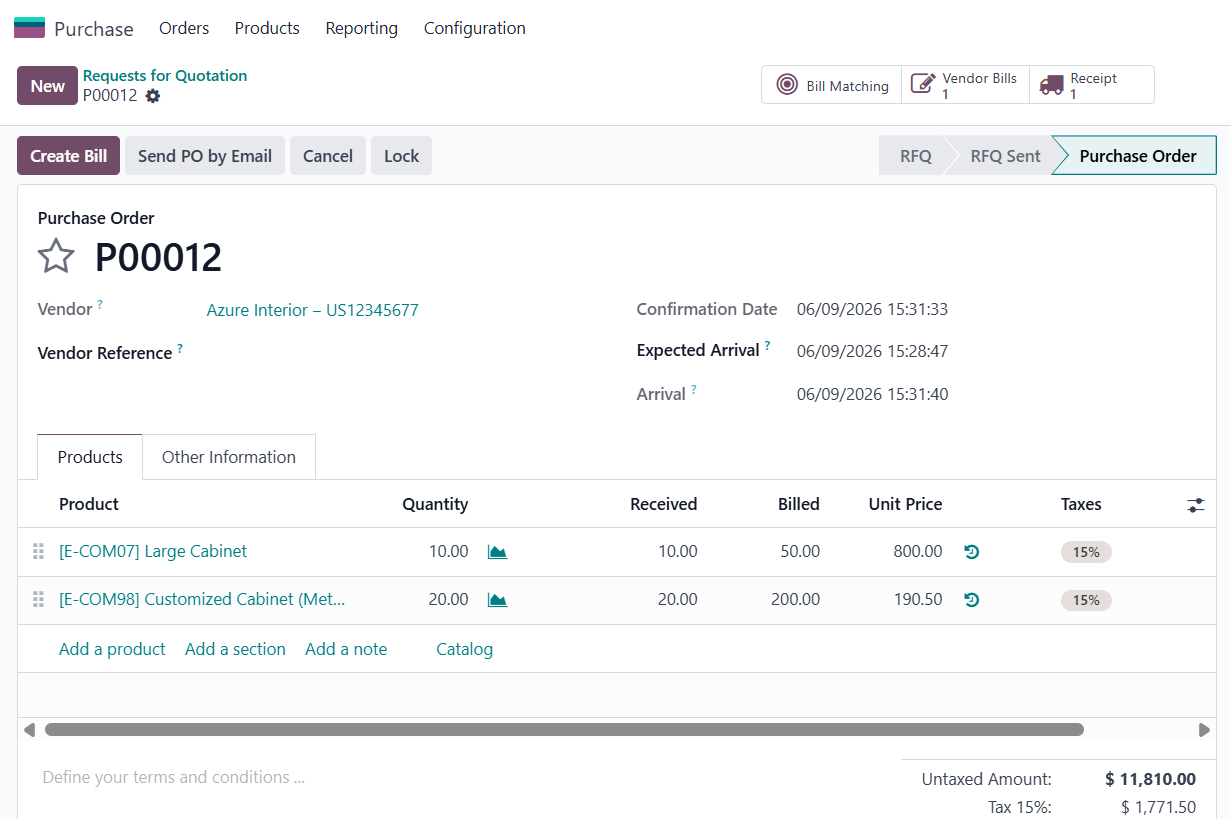
Purchase Order Example
Example of a purchase order using received quantity validation.
Validation Example
The system prevents vendor bills with quantities greater than the received quantity.
Dependencies
- account
- purchase
- purchase_stock
Author
Siti Mayna, Diandra Putri Septiani
https://github.com/stmayna
| Availability |
Odoo Online
Odoo.sh
On Premise
|
| Odoo Apps Dependencies |
•
Invoicing (account)
• Purchase (purchase) • Discuss (mail) • Inventory (stock) |
| Lines of code | 36 |
| Technical Name |
purchase_invoice_received_qty |
| License | LGPL-3 |
| Website | https://github.com/stmayna/odoo_shop_custom_development |
Please log in to comment on this module