


Anantya Systems
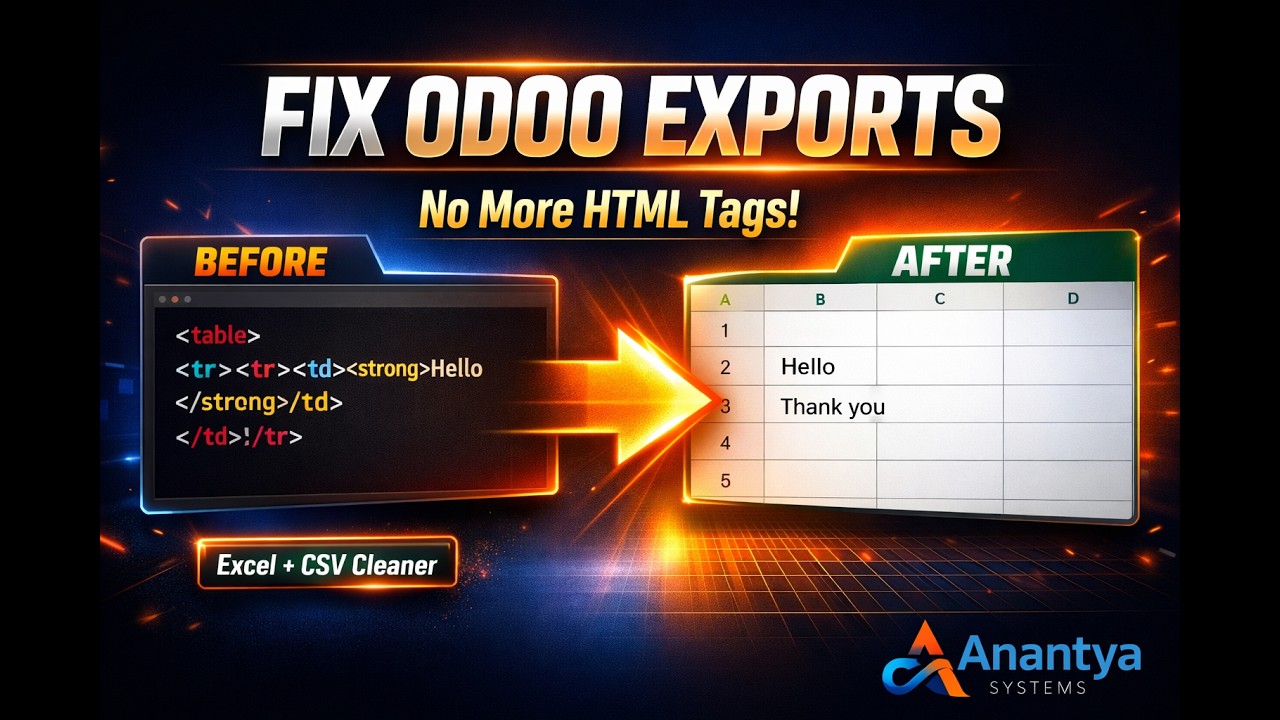
Clean HTML Export
Fix messy HTML in Excel & CSV exports instantly — no technical setup required.
Automatically converts HTML fields into clean, structured plain text during export across all Odoo models.
One solution for all HTML export issues across your entire Odoo system.
📌 Module Overview
Clean HTML Export (Excel & CSV Cleaner) eliminates unwanted HTML tags in Excel and CSV files. It converts HTML-rich fields into clean, structured plain text across Sales, Purchase, Inventory, Accounting, and custom models. The result is professional, readable, and analysis-ready data — without any manual cleaning or configuration.
🎥 Demo Video
🚀 Key Features
✔ Clean HTML Export
Removes all HTML tags automatically when exporting records to Excel & CSV.
✔ Plain Text Conversion
Converts formatted HTML into structured, readable plain text output with proper formatting.
✔ Line Break Support
Maintains proper spacing and formatting for better readability.
✔ Seamless Integration
Works directly with Odoo’s standard export functionality.
✔ Works Across All Models
Applies automatically to Sales, Purchase, Products, Invoices, Contacts, and custom models.
⭐ Why Choose This Module?
⚡ Instant & Automatic
Works immediately after installation — no configuration needed.
🔒 Safe & Reliable
Does not modify original data — only cleans output during export.
🚀 Lightweight
No performance impact. Minimal code with maximum efficiency.
🔧 Plug & Play
No configuration or technical knowledge required.
🌍 Universal Compatibility
One module works across all Odoo apps and models.
⚙ Installation
- Copy the module into your Odoo addons directory.
- Restart the Odoo server.
- Activate Developer Mode.
- Go to Apps → Update Apps List.
- Search for Clean HTML Export and click Install.
📸 Screenshots
Before Installation

After Installation

🔍 Before vs After
| Feature | Default Odoo Export | Clean HTML Export |
|---|---|---|
| HTML Tags | Messy & visible | Fully removed |
| Readability | Poor | Clean & structured |
| Formatting | Broken | Maintained |
| Setup Required | Manual fixes needed | No setup required |
🔧 Configuration
No additional configuration is required. Simply install the module and the HTML cleaning feature will automatically apply during Excel export.
📞 Support & Assistance
✔ 30 days free support for bugs & issues
✔ Customization available on request
© 2026 Anantya Systems — All Rights Reserved
Odoo Proprietary License v1.0

This software and associated files (the "Software") may only be used (executed,
modified, executed after modifications) if you have purchased a valid license
from the authors, typically via Odoo Apps, or if you have received a written
agreement from the authors of the Software (see the COPYRIGHT file).

You may develop Odoo modules that use the Software as a library (typically
by depending on it, importing it and using its resources), but without copying
any source code or material from the Software. You may distribute those
modules under the license of your choice, provided that this license is
compatible with the terms of the Odoo Proprietary License (For example:
LGPL, MIT, or proprietary licenses similar to this one).

It is forbidden to publish, distribute, sublicense, or sell copies of the Software
or modified copies of the Software.

The above copyright notice and this permission notice must be included in all
copies or substantial portions of the Software.

THE SOFTWARE IS PROVIDED "AS IS", WITHOUT WARRANTY OF ANY KIND, EXPRESS OR
IMPLIED, INCLUDING BUT NOT LIMITED TO THE WARRANTIES OF MERCHANTABILITY,
FITNESS FOR A PARTICULAR PURPOSE AND NONINFRINGEMENT.
IN NO EVENT SHALL THE AUTHORS OR COPYRIGHT HOLDERS BE LIABLE FOR ANY CLAIM,
DAMAGES OR OTHER LIABILITY, WHETHER IN AN ACTION OF CONTRACT, TORT OR OTHERWISE,
ARISING FROM, OUT OF OR IN CONNECTION WITH THE SOFTWARE OR THE USE OR OTHER
DEALINGS IN THE SOFTWARE.
Please log in to comment on this module