

Smart POS Restaurant Access Rights | Smart Access Control for Restaurant POS | Restaurant Cashier Permissions | Smart Floor Access Control
by Sensible Consulting Services https://sensiblecs.comIncludes All Features from POS Access Rights Employee
This module automatically includes all features from POS Access Rights Employee module. You get complete POS access control for both standard POS and Restaurant POS in one package!
Feature Highlight
Restaurant-Specific Access Control Features for Complete POS Restaurant Management
Hide Split Button
Hide Guests Button
Hide Transfer/Merge Button
Hide Bill Button
Hide Edit Order Name Button
Hide Transfer Course Button
Hide Order Button
Hide Switch Floor View
Disable Specific Floors
Configuration
Employee Restaurant Access Rights Configuration
Navigate to HR > Employees > Select Employee > POS Access Rights Tab to configure restaurant-specific access restrictions for each cashier.

Restaurant Actions Popup
Control restaurant-specific action buttons in the Actions popup.
Hide Split Button
Prevent employees from splitting bills in the Actions popup
Before - Split Button Visible

After - Split Button Hidden

Hide Guests Button
Prevent employees from modifying guest count in the Actions popup
Before - Guests Button Visible

After - Guests Button Hidden

Hide Transfer/Merge Button
Prevent employees from transferring or merging orders in the Actions popup
Before - Transfer/Merge Button Visible

After - Transfer/Merge Button Hidden

Hide Bill Button
Prevent employees from printing bills in the Actions popup
Before - Bill Button Visible

After - Bill Button Hidden

Hide Edit Order Name Button
Prevent employees from editing order names in the Actions popup
Before - Edit Order Name Button Visible

After - Edit Order Name Button Hidden

Hide Transfer Course Button
Prevent employees from transferring courses between orders in the Actions popup
Before - Transfer Course Button Visible

After - Transfer Course Button Hidden

Navigation Controls
Control access to restaurant navigation buttons and views.
Hide Order Button
Hide the Order button from the restaurant POS actionpad
Before - Order Button Visible

After - Order Button Hidden

Hide Switch Floor View
Hide the Switch Floor View option from the POS menu
Before - Switch Floor View Visible

After - Switch Floor View Hidden

Floor Access Control
Control which floors employees can access in the restaurant POS.
Disable Specific Floors
Select specific floors that should be hidden/disabled for each employee in the restaurant POS. This allows you to restrict employees to certain areas of the restaurant.
Before - All Floors Accessible

After - Selected Floors Disabled

Need Support
Bug reporting
If you encounter any issues or inconsistencies with our product, don't hesitate to contact us at info@sensiblecs.com. we remain dedicated to continuously enhancing our tools to provide you with the best possible experience.
Share Your Feature Requests and Module Ideas (Complimentary Development)
At Sensible Consulting Services, we're deeply committed to continuously improving our product and ensuring they meet your needs. We value your input and would greatly appreciate any feedback or suggestions you may have, don't hesitate to contact us at info@sensiblecs.com. If your requirements align with public use cases and can be efficiently integrated, we will prioritize them on our development roadmap.
This to-do list is processed regularly at no additional cost. While we cannot guarantee specific deadlines or the final design, it's a great opportunity to request desired features without any financial commitment or risks. It's an excellent way to influence the development of our product, helping us better meet your needs over time.
General Inquiries and Miscellaneous Issues
Don't hesitate to reach out with any questions, concerns, or uncertainties
If you have any additional questions or concerns, don't hesitate to contact us at info@sensiblecs.com. Feel free to contact us anytime, and we'll provide the support you need to resolve any doubts.
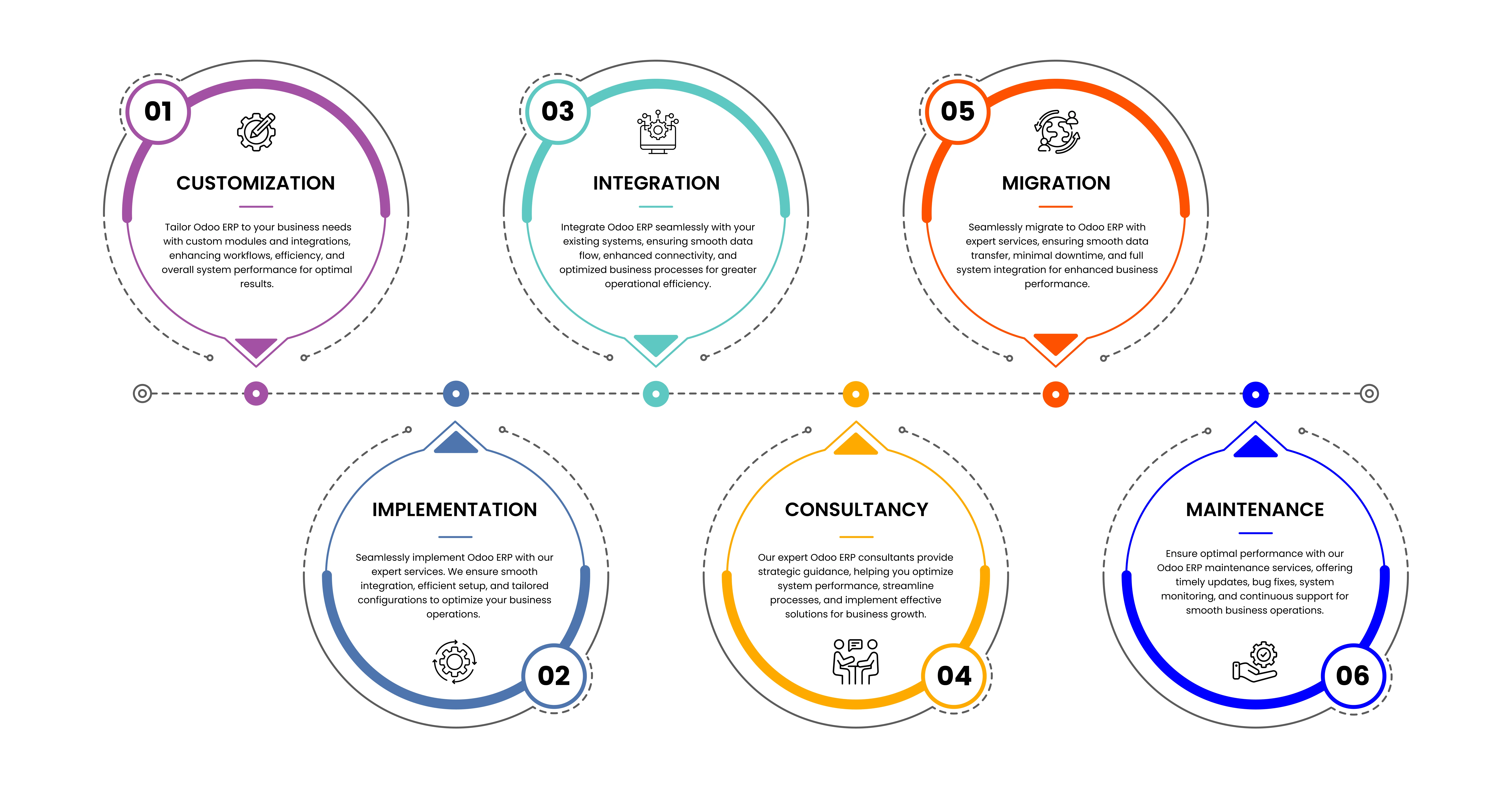
Our Services
Version History
Version 19.0.1.0 - January 2026
Restaurant Actions Popup Controls
- Hide Split button
- Hide Guests button
- Hide Transfer/Merge button
- Hide Transfer Course button
- Hide Bill button
- Hide Edit Order Name button
Navigation Controls
- Hide Order button in actionpad
- Hide Switch Floor View option
Floor Access Control
- Disable specific floors per employee
| Availability |
Odoo Online
Odoo.sh
On Premise
|
| Odoo Apps Dependencies |
•
Restaurant (pos_restaurant)
• Employees (hr) • Point of Sale (point_of_sale) • Discuss (mail) • Inventory (stock) • Invoicing (account) |
| Community Apps Dependencies | Show |
| Lines of code | 811 |
| Technical Name |
sensible_restaurant_access_rights_employee |
| License | AGPL-3 |
| Website | https://sensiblecs.com |
Please log in to comment on this module