

Default Project Stages | Project stage template | Open Project From Kanban | Advanced task counters | Advanced Project Management
by Serynto Technologies https://www.serynto.com$ 58.41
 Last Updated : 20 MAY 2026 (v18.0.1.0.0)
Project Improvements
Enhance Odoo 18 Project Management with automated project workflows, smart task tracking, stage templates, collaboration improvements, and better project visibility.
Take your Odoo Project application to the next level with powerful productivity enhancements designed for project managers and teams. This module improves daily project operations by automating repetitive setup tasks, improving task visibility, enhancing team communication, and keeping project data clean and organized.
Create projects faster, track progress easily, improve collaboration, and manage tasks more efficiently without changing your existing Odoo workflow.
Why Choose Project Improvements?
Automated Project Stage Setup
Save time creating projects by automatically applying predefined project stages and workflows. Configure your standard project structure once and reuse it across multiple projects without manually creating the same columns again.
Better Project Visibility
Quickly understand project progress with task counters directly available on project stages. Managers can monitor workload distribution and identify bottlenecks without opening every project.
Improved Team Collaboration
Automatically add assigned users as task followers so team members receive important updates, messages, and activity notifications. Keep everyone connected throughout the project lifecycle.
Faster Project Management
Reduce manual actions by automating common project operations and keeping important information accessible. Improve productivity for project managers and team members.
Clean Project Data Handling
Safely remove projects with related tasks, milestones, updates, and linked information to maintain a clean database.
Common Use Cases & Benefits
Common Use Cases
- Create multiple projects with the same workflow structure without manually configuring stages every time.
- Manage tasks, development stages, progress tracking, and team collaboration more efficiently.
- Standardize customer projects with predefined task stages and project workflows.
- Monitor project progress, workload distribution, and task status directly from project views.
- Maintain consistent project processes across departments and teams.
Benefits
- Reduces repetitive project configuration.
- Saves time when creating new projects.
- Improves task visibility and tracking.
- Provides consistent project workflows.
- Enhances team collaboration.
- Prevents missed task updates.
- Helps managers monitor progress faster.
- Keeps project data organized.
- Improves overall productivity.
- Extends standard Odoo Project functionality.
How it Works
- Install the module to enable the enhanced project features automatically.
- Define Stage Templates: Go to Project Configuration and set up a Default Stage Template with your standard columns.
- Create a Project: When you create a new project, it will automatically inherit the stages defined in your default template.
- View Task Counters: Navigate to the Project Kanban. Stages configured to 'Show Task Counter' will display the number of tasks inside them directly on the project card.
- Assign and Follow: Assign a user to a task. They are automatically added as a follower and will receive all relevant notifications.
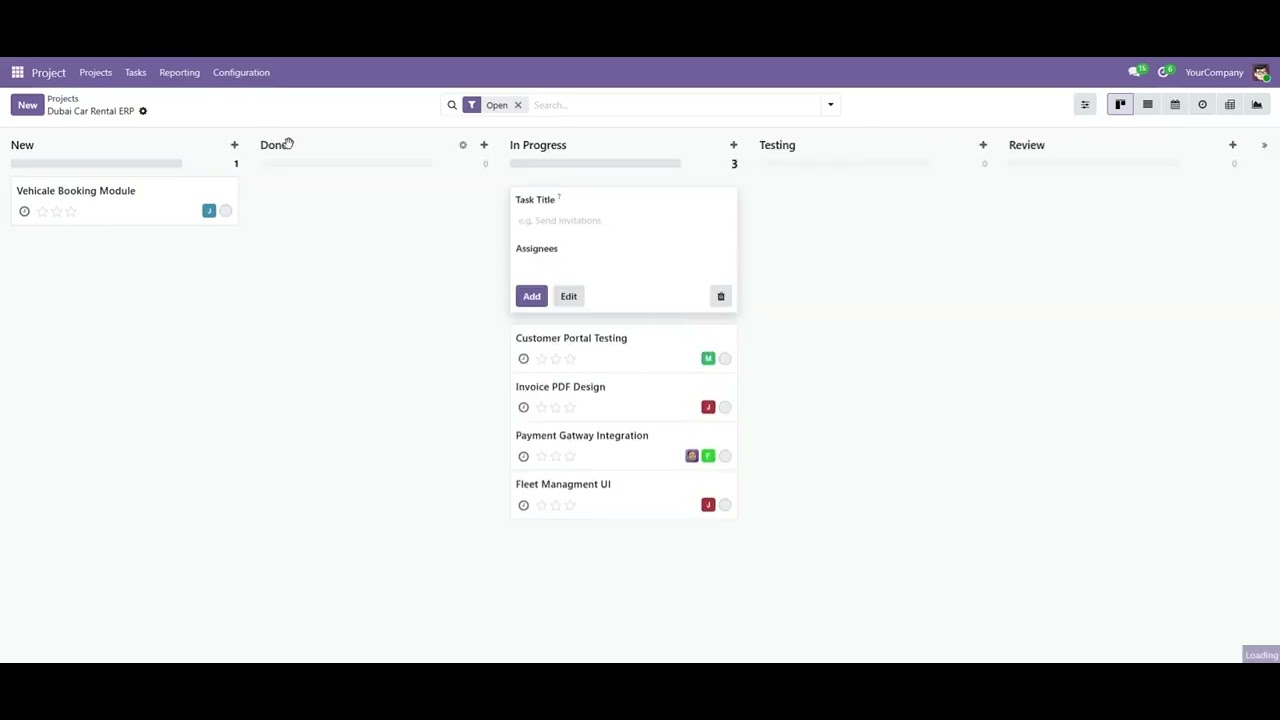
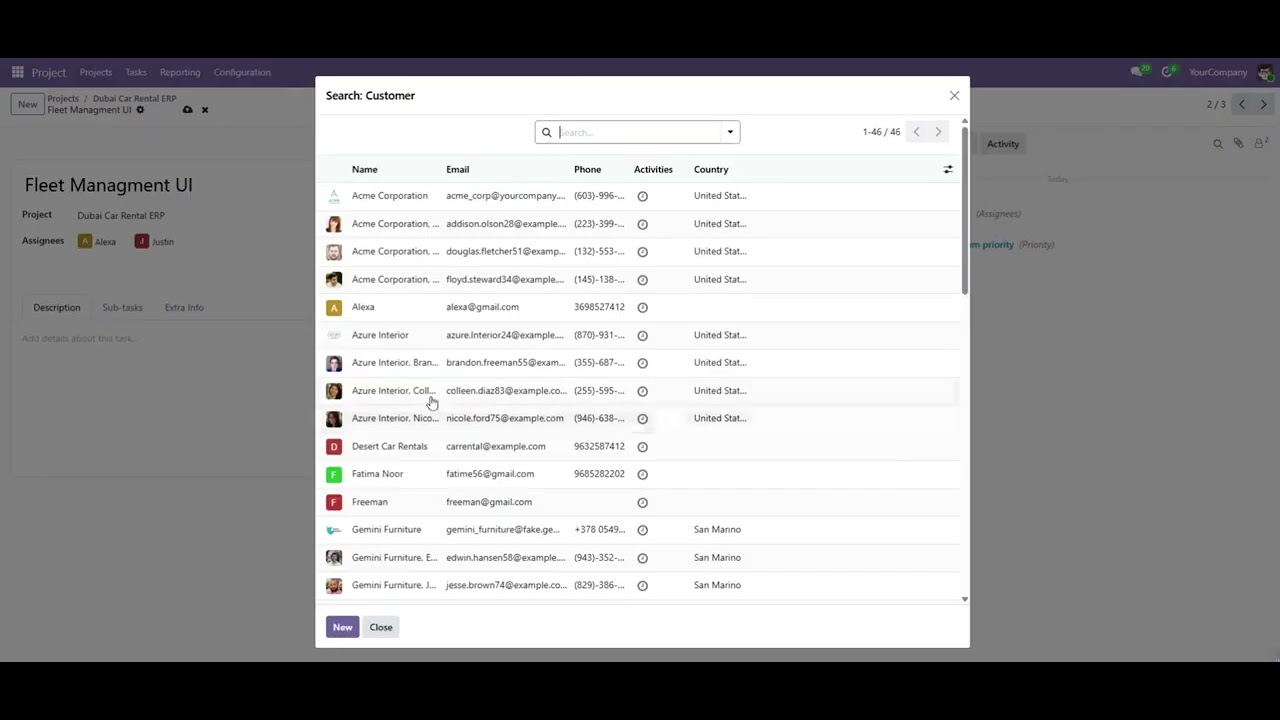
Example: Automated Project Workflow Management
Business Scenario
A company manages multiple customer projects every month.
Project Workflow
Result
The Project Improvements module automatically applies the predefined workflow whenever a new project is created.
Users receive automatic task updates, managers can view task counts instantly, and teams can manage projects efficiently from start to finish.
Key Features

Project Stage Template Management

Task Counter Visibility

Automatic Task Followers

Enhanced Project Workflow

Smart Project Cleanup

Team Productivity Improvements
Version 18.0.0.1.0 | Released on : 20th May, 2026
Support
Get immediate support for any of your queries
You will get free support for any doubts, queries, and bug fixing (excluding data recovery) or any type of issue related to this module.
WRITE TO US AT :
sales@serynto.comFor any help and doubt or issue regarding the module, Drop a mail to our technical team.
RAISE A TICKET AT :
https://serynto.com/helpdeskFor support or to request customization, Create A Support Ticket by copying the link and opening it in a new tab.
| Availability |
Odoo Online
Odoo.sh
On Premise
|
| Odoo Apps Dependencies |
•
Project (project)
• Discuss (mail) |
| Lines of code | 345 |
| Technical Name |
project_improvements |
| License | OPL-1 |
| Website | https://www.serynto.com |
Odoo Proprietary License v1.0

This software and associated files (the "Software") may only be used (executed,
modified, executed after modifications) if you have purchased a valid license
from the authors, typically via Odoo Apps, or if you have received a written
agreement from the authors of the Software (see the COPYRIGHT file).

You may develop Odoo modules that use the Software as a library (typically
by depending on it, importing it and using its resources), but without copying
any source code or material from the Software. You may distribute those
modules under the license of your choice, provided that this license is
compatible with the terms of the Odoo Proprietary License (For example:
LGPL, MIT, or proprietary licenses similar to this one).

It is forbidden to publish, distribute, sublicense, or sell copies of the Software
or modified copies of the Software.

The above copyright notice and this permission notice must be included in all
copies or substantial portions of the Software.

THE SOFTWARE IS PROVIDED "AS IS", WITHOUT WARRANTY OF ANY KIND, EXPRESS OR
IMPLIED, INCLUDING BUT NOT LIMITED TO THE WARRANTIES OF MERCHANTABILITY,
FITNESS FOR A PARTICULAR PURPOSE AND NONINFRINGEMENT.
IN NO EVENT SHALL THE AUTHORS OR COPYRIGHT HOLDERS BE LIABLE FOR ANY CLAIM,
DAMAGES OR OTHER LIABILITY, WHETHER IN AN ACTION OF CONTRACT, TORT OR OTHERWISE,
ARISING FROM, OUT OF OR IN CONNECTION WITH THE SOFTWARE OR THE USE OR OTHER
DEALINGS IN THE SOFTWARE.
Please log in to comment on this module